Case Study
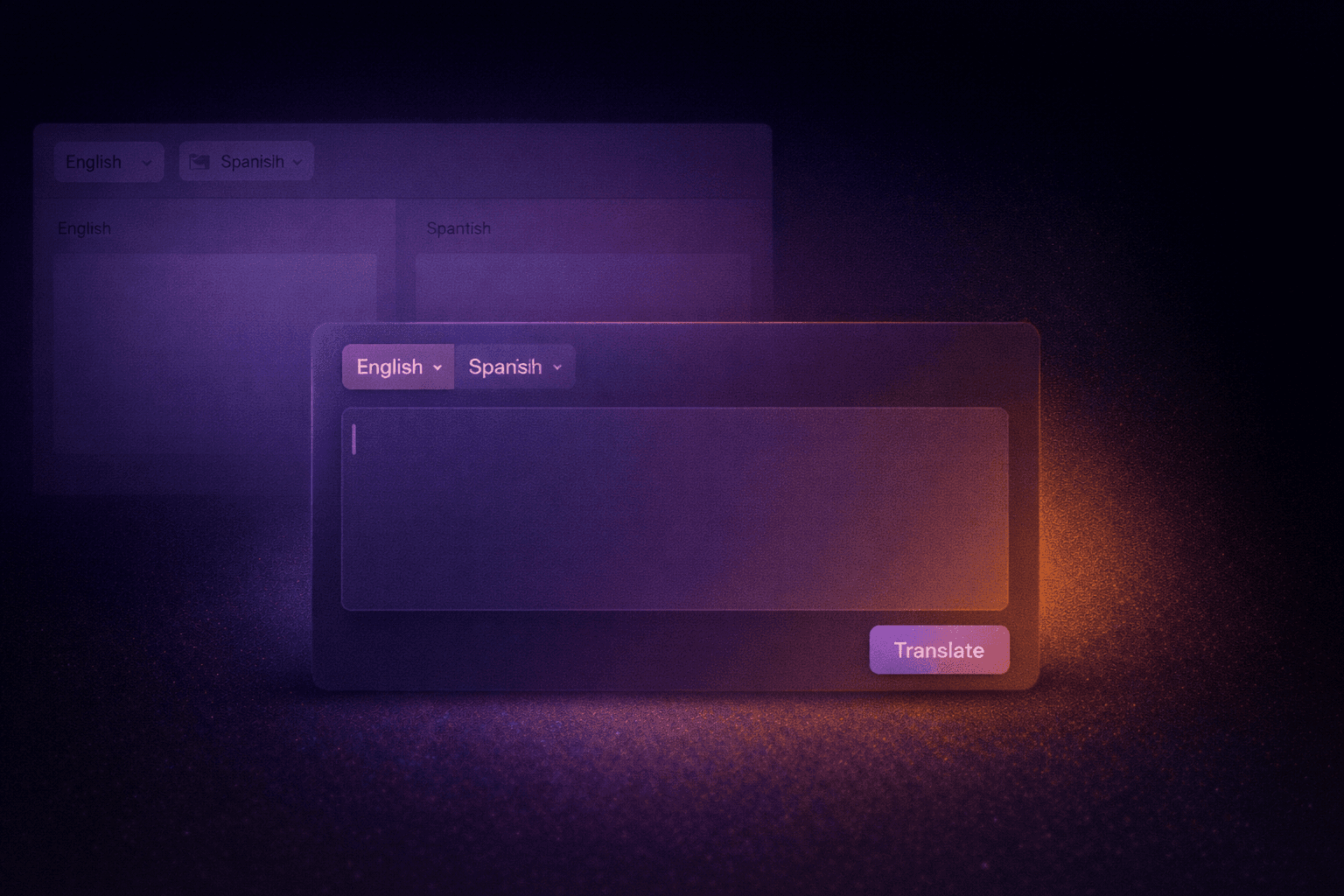
The split-column interface introduced unnecessary friction:
• The output column stayed empty during input
• Users expected real-time translation that the product did not support
• The interface felt dense and dated
• Attention was split even though only one area was actionable
This created a mismatch between user expectations and how the system actually worked.
Keeping a familiar pattern reduced risk, but it also reinforced incorrect assumptions.
Changing the layout meant breaking convention, which required confidence in the underlying UX rationale.
1. Retain the split view
2. Progressively reveal the output column
3. Single-input layout (chosen)
I proposed removing the split-column layout entirely and shifting to a single-input experience.
The goal was clarity, not novelty.
The product behaves more like an AI prompt submission than a traditional translator, and the UI needed to reflect that truth.
This decision was driven primarily by UX judgment rather than external templates.
After implementation:
Higher engagement with the input area
Lower bounce rate on the entry screen
Increased interaction with the primary “Translate” action
Reduced visual clutter and confusion
The change required minimal pushback and aligned well with internal goals.